Step 5 - What If ?
You are now ready to start making changes to your network. You can move, add or delete outlets and see the changes in the table. If you have fixed the starting point, all ongoing changes will be seen in the 'Now' column and will be compared to the 'Before' column (fixed when you pressed the lock padlock).
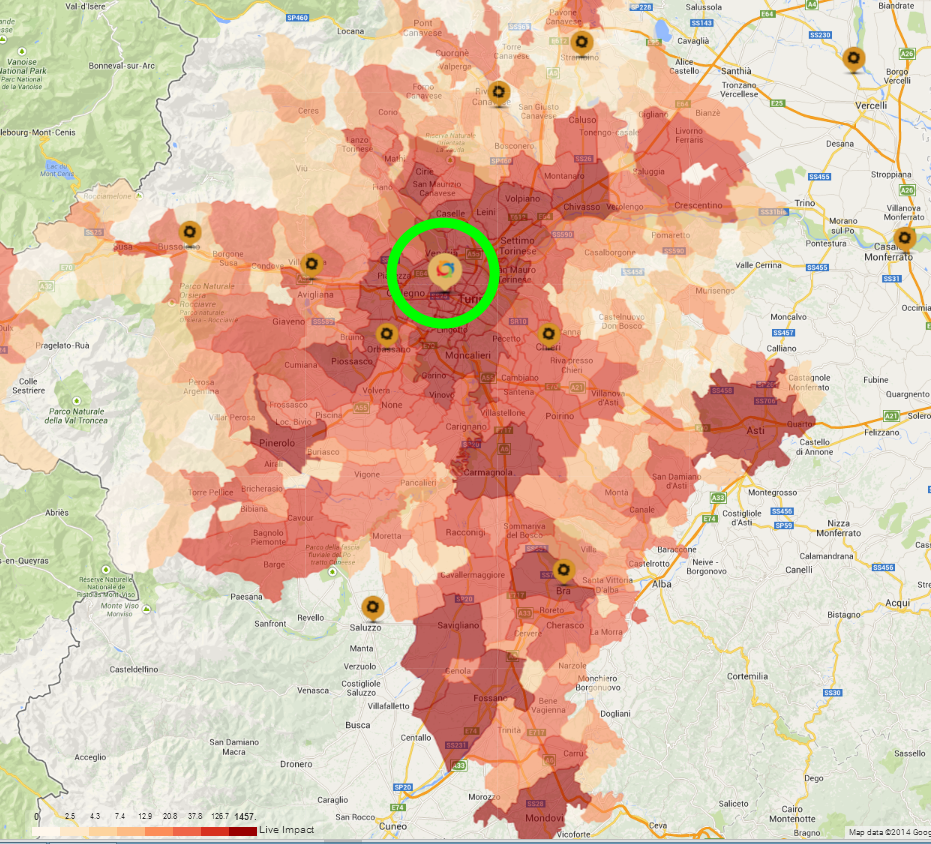
As you make changes to your network, you will see the calculations change in the table in the LiveImpact Panel. You will also see that the shading on the map changes, depending upon which dealer you have selected. By selecting one outlet (see green circle below), the shading will relate to the allocation of potential to this outlet. This gives you some idea of where the opportunity / potential will be coming from , for that outlet. The legend at the bottom of the map will indicate the volumes allocated to the outlet from each piece of geography / postcode / commune.
 Network Toolkit User Guide