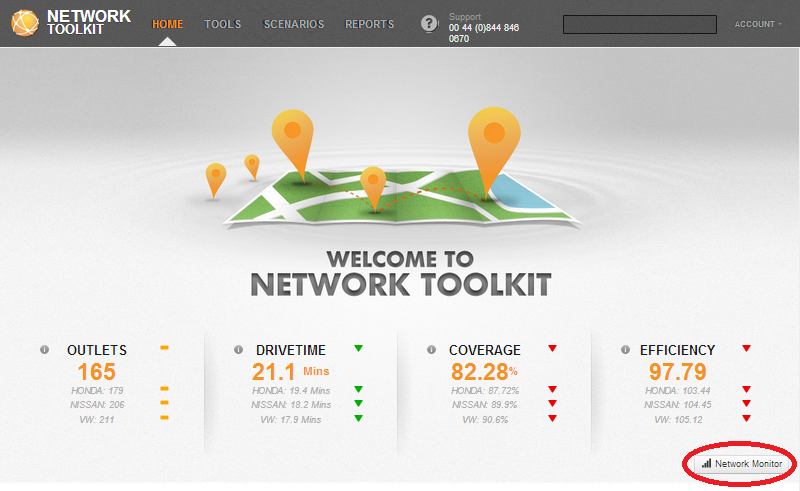
Network Monitor is an optional add-on to Network Toolkit that enables you to keep track of your existing network and your competitors (available in the UK, subject to data availability in other countries). You can view a number of key metrics which reflect the structure of your network and see how these are changing over time. You can access Network monitor by selecting the option from the TOOLS section of the main toolbar from any location within Network Toolkit or by clicking on Network Monitor icon on the home page.
Click on the link below to see how to use Network Monitor.
 Network Toolkit User Guide