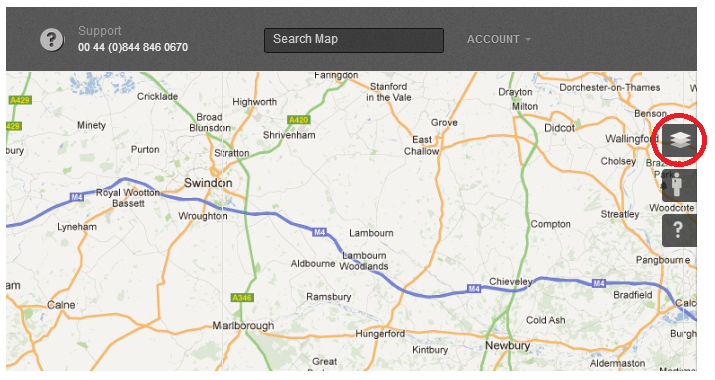
To access multiple layer panel you have to click on the Multiple Layer button on the right hand side of the screen (see below highlighted in red):
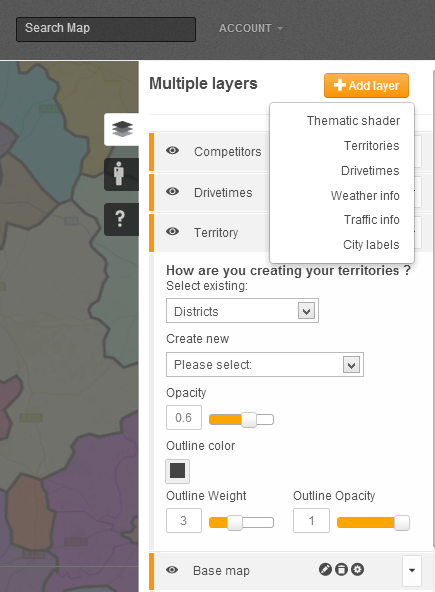
Multiple layer panel allows you to manage and edit the view of the map. You can add and remove several kinds of layers, and control the way they are being displayed to suit your current needs:
 Network Toolkit User Guide