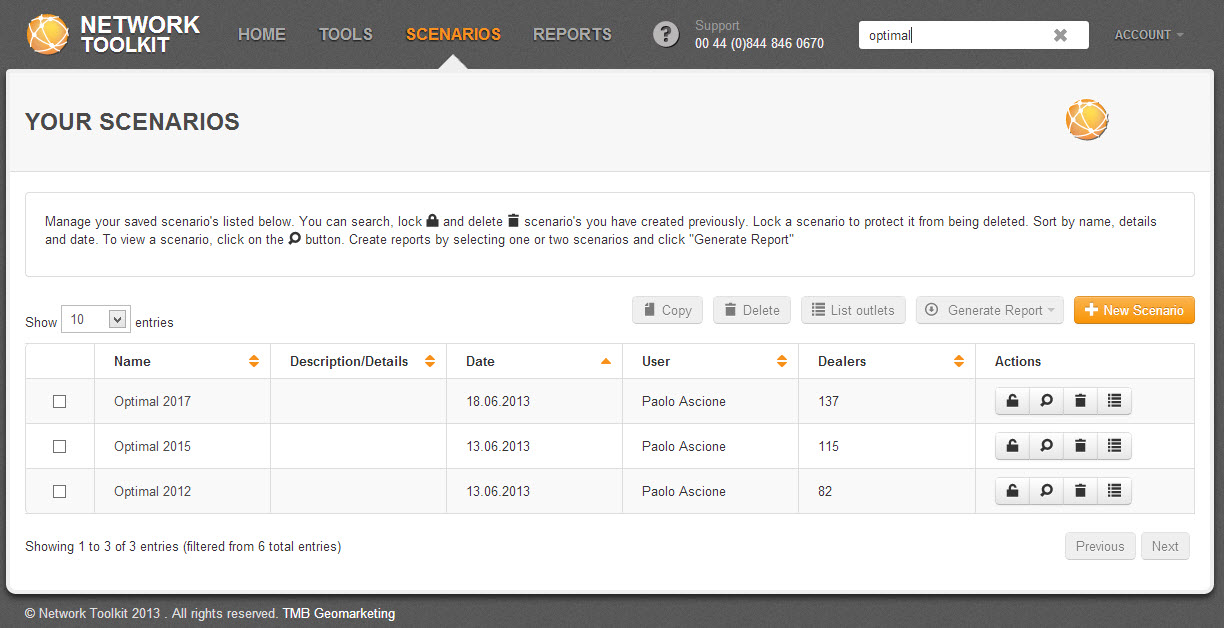
To search for a scenario, type any text in the search window on the main toolbar. Any scenario name, description, date or information matching the text will appear in the filtered view. You do not have to type complete words, the search will pull back all scenarios containing any of the text that you type.
A message below the list of scenarios will give you the number of scenarios available for viewing. It will indicate whether you have applied the search filter on the scenario list.
Any scenario name, description, date or information matching the text will appear in the filtered view. You don’t have to type in complete words, the search will pull back all scenarios containing any of the text that you type.
A message below the list of Scenarios informs you how many Scenarios are in view. It will indicate here If you have filtered the scenario list with a search.
 Network Toolkit User Guide