Data Export from a Drivetime Layer
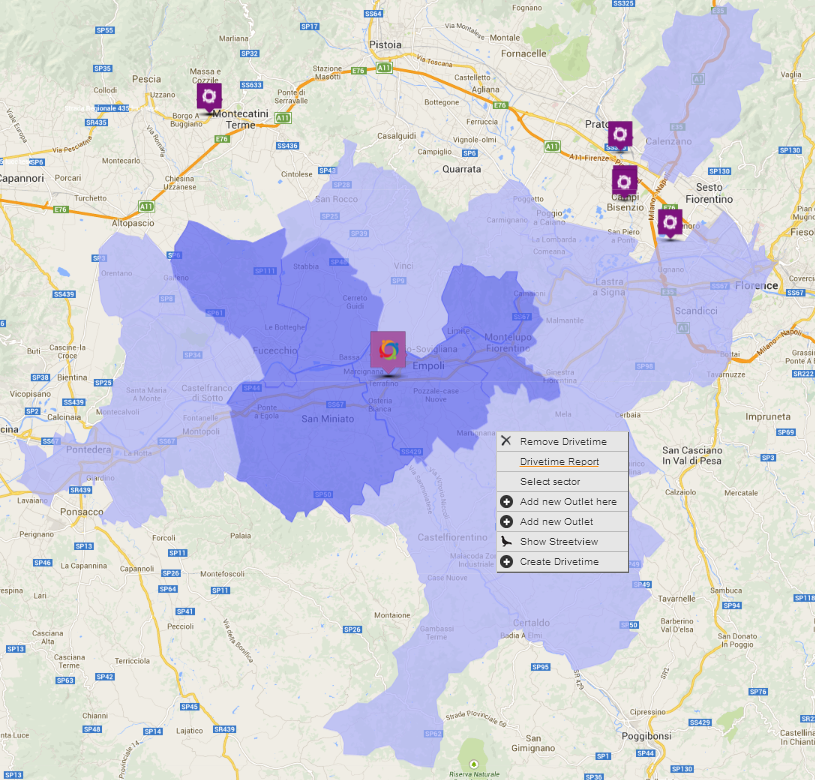
You can export any data from a drivetime that you have created on the map. Simply right click on the drivetime layer and select the 'Drivetime Report' option.
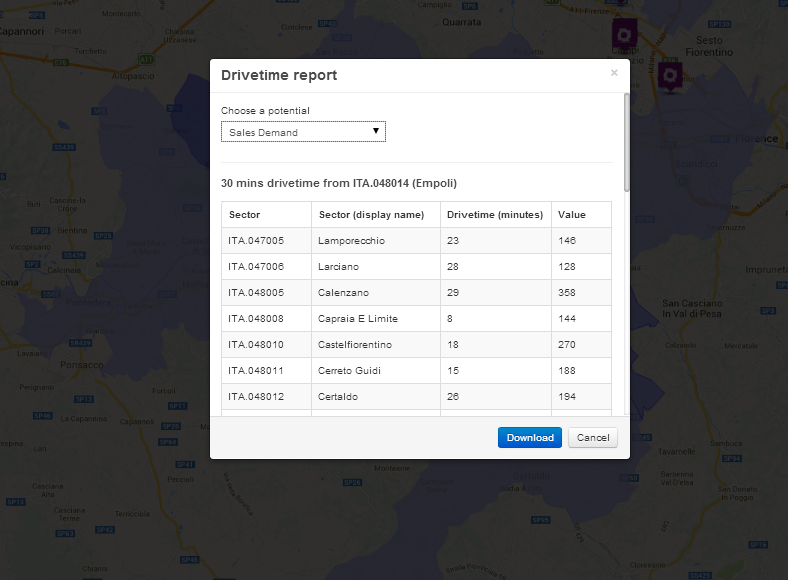
Select any variable (or potential) that you have in your system. A data preview will appear for you to confirm. Simply click on 'Download' and your data will be downloaded to an Excel file to the default browser download folder.
 Network Toolkit User Guide