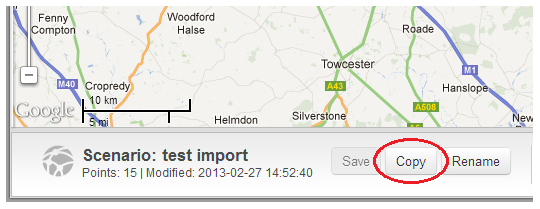
1. Within the scenario map, you can use the Copy button (see below highlighted in red) in the scenario panel:
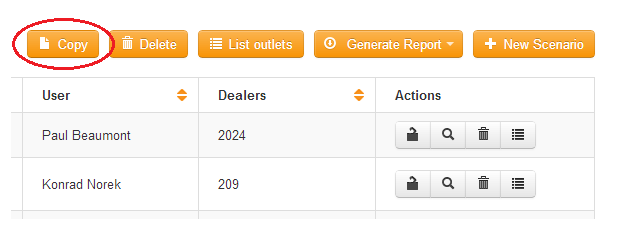
2. Within the Scenario Manager you can select any scenario in the list and click on the Copy button (see below highlighted in red) above the list of scenarios:
 Network Toolkit User Guide