|
|
|
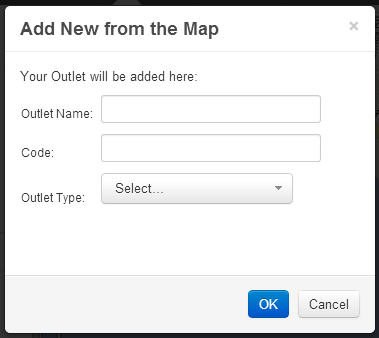
The search window will search for locations on the map when the map window is open. You can search for a city, town, address, place or postcode on the map. The search results are displayed in the dialog window and give you the option to either navigate to the location or place an outlet at that location. To navigate to the location, click on the text of the search results. To add an outlet on the search results location, click on the  button to the right of the location text. This will open up a dialog box to add an outlet: button to the right of the location text. This will open up a dialog box to add an outlet:
If you have additional POI’s (Points of Interest) such as competitor dealers / retailers in your system, you can navigate to, or add an outlet to that location by clicking the symbol next to the POI name.
|
|
 Network Toolkit User Guide