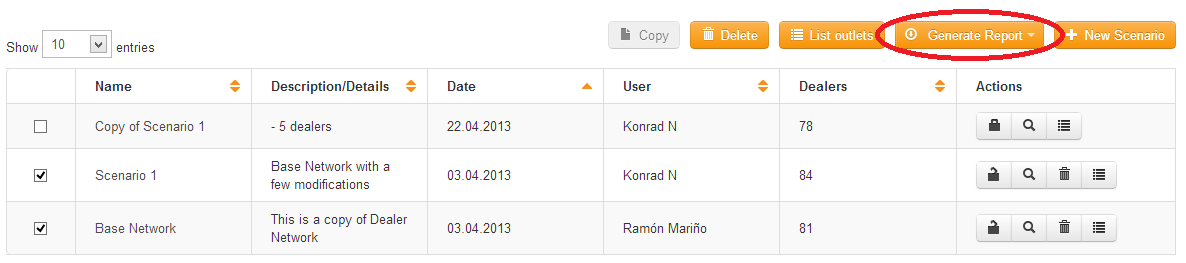
You can create reports from the scenario manager. To do this, select one or more scenarios and click on the Generate Report button:
This will open the
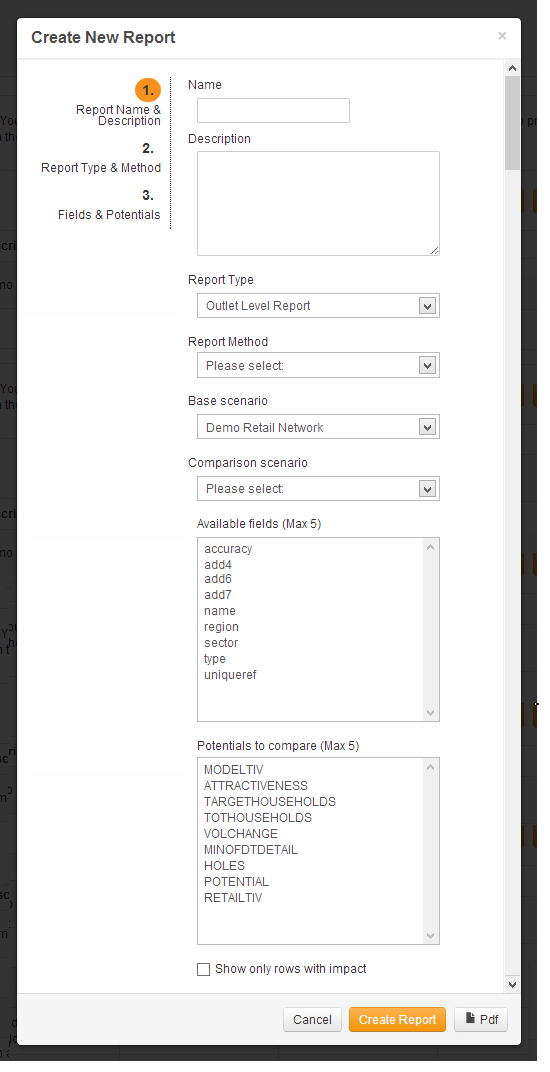
Report Wizard (with the scenarios that you selected already in the options). The order that you select the scenarios will determine which scenario is the
'Base' scenario and which one is the
'Comparison' scenario. The first scenario that you select will become the base scenario and the second scenario will become the comparison scenario.
s
 Network Toolkit User Guide