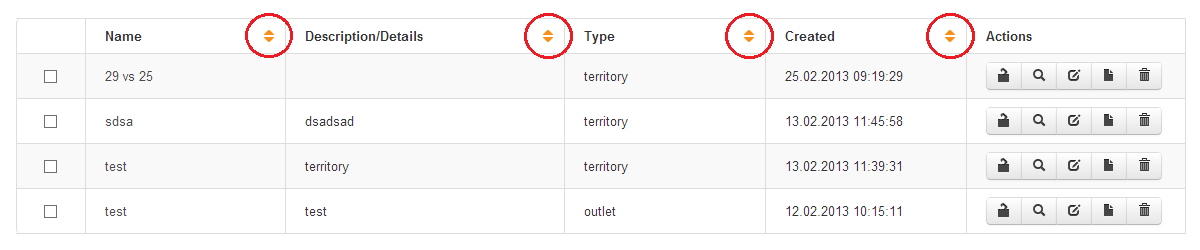
Click on the sort ascending / descending orange arrows (see below highlighted in red) at the top of the Name, Description/Details, Type or Created field. The Report Manager will sort the available list on any field that you sort on. You can also sort on the filtered search results.
 Network Toolkit User Guide