There are many ways to create a new scenario.
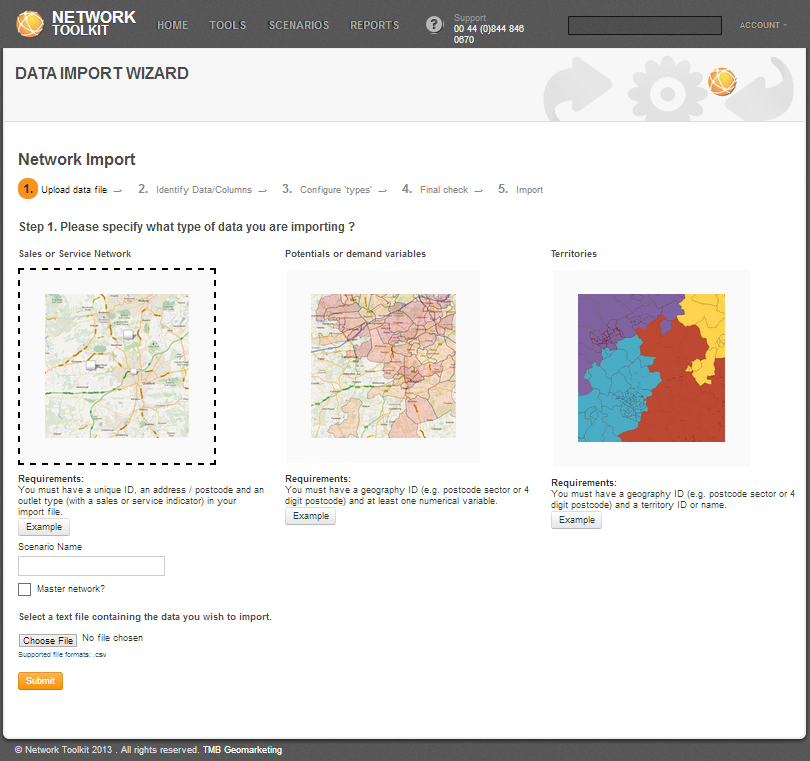
 This button allows you to create the new scenario. After you click on it, it will take you directly to Data Import Wizard where you can upload various kinds of data into Network Toolkit:
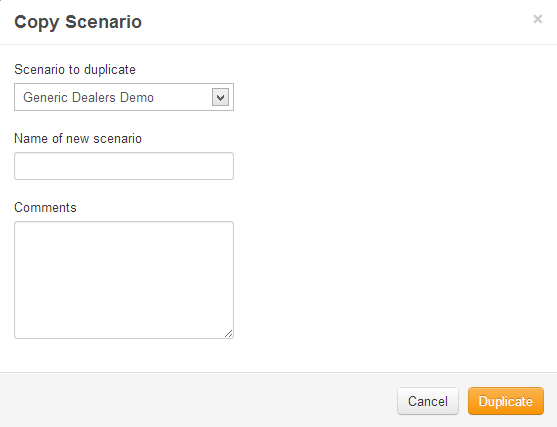
Another way to create a new scenario is to use one of the existing ones. This option allows to create a copy of any scenario. Select a scenario to duplicate and click on Copy button:
On the popup window, type in a new name and add comments for the new scenario. Click on the duplicate button.
 Network Toolkit User Guide