Create a New Territory Map Layer
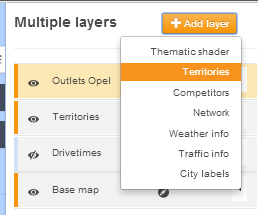
To create a new territory layer, select the 'Add Layer' button and select territories.
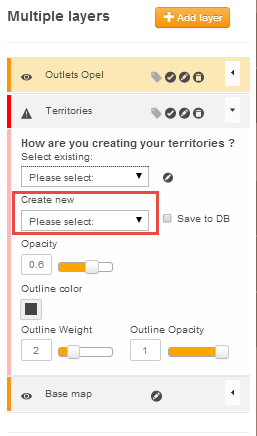
From the options, click on the pulldown arrow for 'Create New' options box (highlighted in red) and select either drivetime friendly or equidistant.
Drivetime friendly will use a gravity model to assign geography / postcodes to the most appropriate outlet. The equidistant option will simply assign all geography / postcodes to the nearest outlet in terms of drivetime.
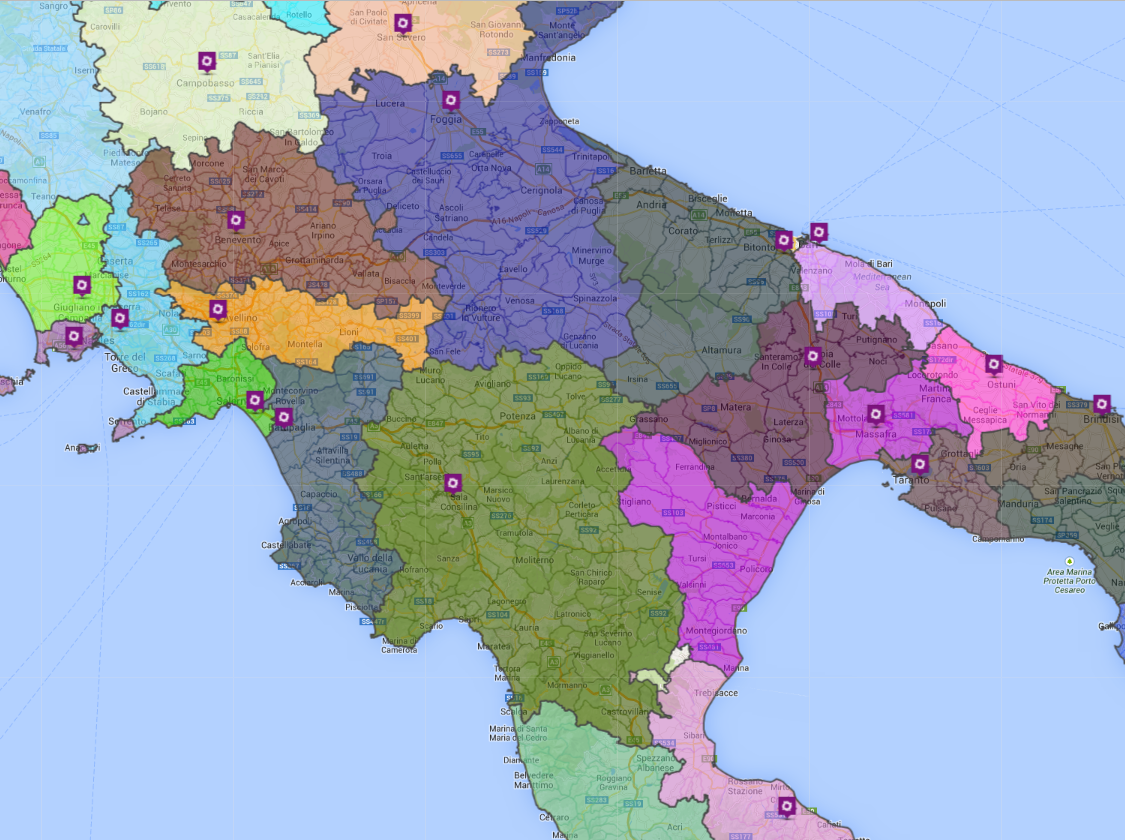
Once you done this, the system will take a short time to create the territories based upon the outlet network that you have on the map.
 Network Toolkit User Guide