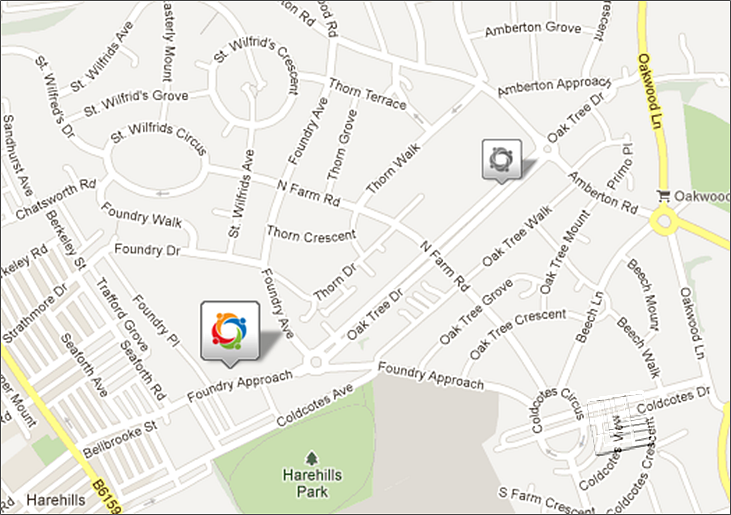
Your outlets will be displayed on the map, along with your brand logo. To select an outlet, simply click on the particular dealer. The brand icon will appear in colour and the map pin will increase in size (see below).
Once you have selected an outlet, the details of that dealer will appear in the scenario panel to the left of the map, under the heading ‘Selected Outlet’. A number of options will be available for the selected dealer such as ‘Delete’, ‘Undo’ and ‘Redo’.
 Network Toolkit User Guide