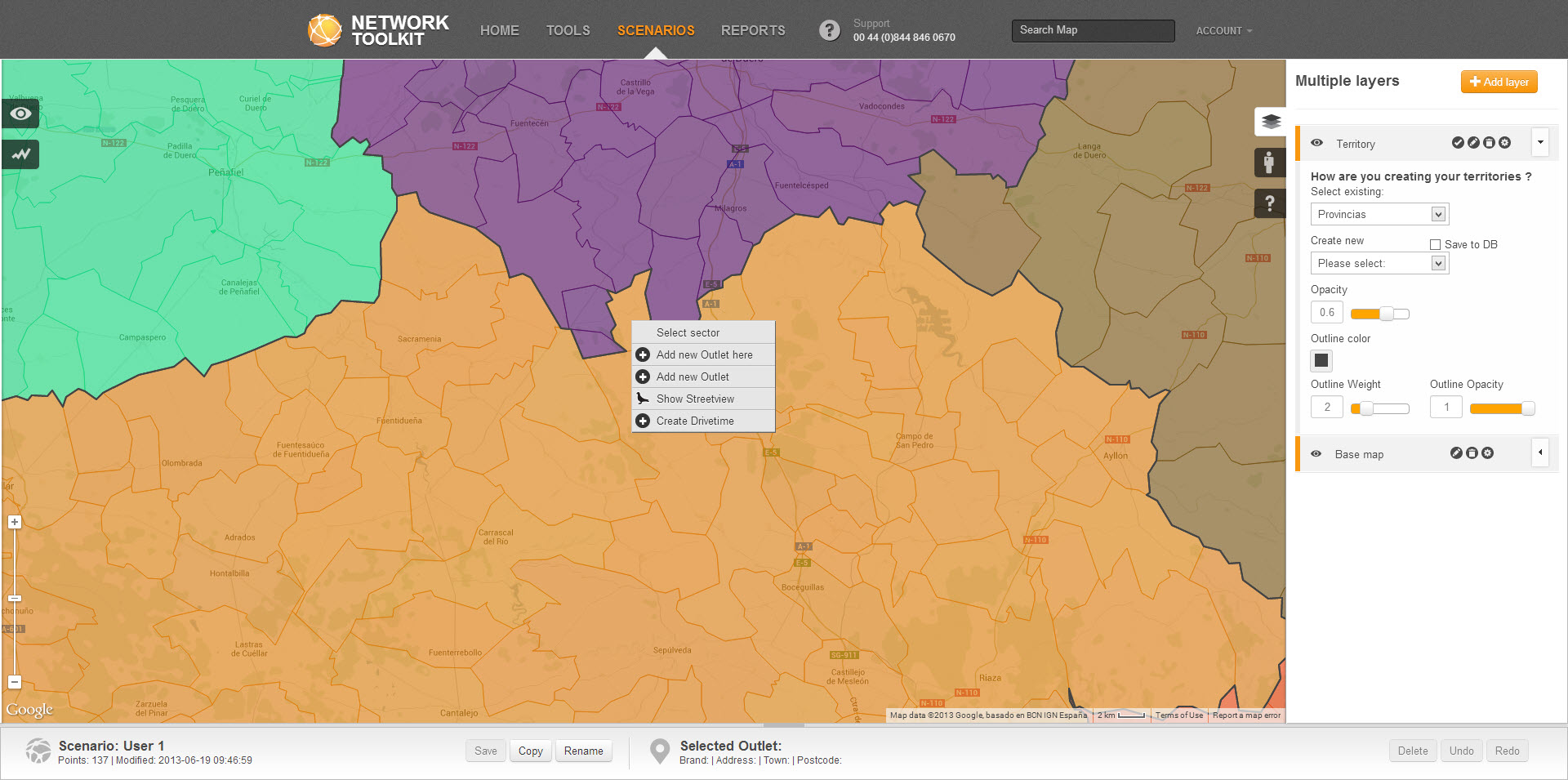
You can edit territories on the map in a number of ways:
1. Assign a single postcode, zipcode to a different territory
2. Split a territory and automatically assign it to another
Make sure that you have a territory layer on the map.
Right click on a postcode sector that you wish to reassign and click on 'select sector'. Right click again and click 'assign sector to another territory' A list of territories will appear for reassignment. Select the one you wish to reassign to.
 Network Toolkit User Guide