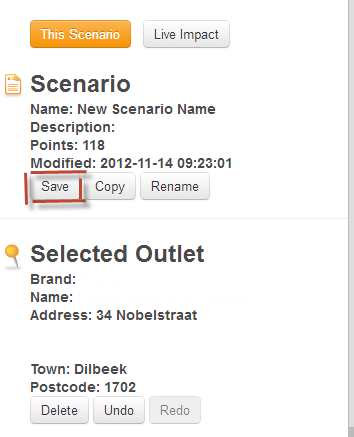
You can save a scenario by clicking on the button (highlighted in red below) in the scenario panel to the left of the scenario map. Please note that you must click on the button to get the scenario panel. The save button will only be activated if you have made any changes to the open scenario on the map.
 Network Toolkit User Guide
 button (highlighted in red below) in the scenario panel to the left of the scenario map. Please note that you must click on the
  button to get the scenario panel. The save button will only be activated if you have made any changes to the open scenario on the map.